If you manage a Facebook page, create content regularly, or interact with customers online, you already know that replying to comments takes time.
Some comments are easy to answer. Others make you stop and think. Should you sound casual or professional? Should you keep it short or encourage more conversation? What if the comment is negative? What if someone asks a question that deserves a thoughtful response?
These small decisions add up, especially when you’re responding to multiple comments every day.
The good news is that you don’t need to spend several minutes crafting every reply. With the right approach—and the right tool—you can respond more efficiently while still sounding authentic.
In this article, you’ll learn why replying to Facebook comments matters, the common mistakes people make, a simple process for writing better replies, and how the Facebook Comment-to-Reply Generator makes the entire process faster and easier.
Why Facebook Comment Replies Matter
Every comment on your Facebook content is an opportunity to continue the conversation.
A thoughtful reply can:
- Show people you’re paying attention.
- Answer questions clearly.
- Build stronger relationships with your audience.
- Encourage additional comments.
- Create a more welcoming community.
Ignoring comments or replying with the same generic message repeatedly can make conversations feel one-sided. On the other hand, taking too long to respond can become difficult when you’re busy.
Finding the balance between speed and quality is the real challenge.
The Biggest Challenges When Replying to Comments
Many people don’t struggle because they don’t know what to say. They struggle because they want to say the right thing.
Some common situations include:
Customer Questions
Someone asks for clarification about a post.
You want to provide a helpful answer without making it unnecessarily long.
Positive Comments
Someone compliments your content.
A simple “Thanks!” works, but it rarely keeps the conversation going.
Critical Feedback
Negative comments require careful wording.
You want to stay respectful while addressing the concern instead of sounding defensive.
Casual Conversation
Sometimes people simply share an opinion or experience.
Knowing how to continue the discussion naturally isn’t always obvious.
These situations happen every day, which is why having a repeatable process helps.
A Simple Framework for Better Replies
Instead of replying immediately, think through four quick questions.
1. What Is the Tone?
Is the comment:
- Friendly?
- Curious?
- Excited?
- Frustrated?
- Humorous?
- Skeptical?
Matching the tone creates more natural conversations.
2. What Is the Person Trying to Do?
Are they:
- Asking a question?
- Giving feedback?
- Sharing an opinion?
- Offering praise?
- Raising a concern?
Understanding the purpose behind the comment helps you respond appropriately.
3. Respond Directly
Avoid changing the subject.
The best replies address exactly what the person wrote before adding anything extra.
4. Encourage Conversation
If appropriate, end with something that keeps the discussion moving.
This could be another question, an invitation to share more, or a simple acknowledgment that makes the interaction feel genuine.
Why Writing Replies Takes Longer Than Expected
Many people underestimate how much mental effort goes into writing even a short response.
You may find yourself asking:
- Does this sound too formal?
- Is this too short?
- Should I add more detail?
- Will this sound friendly enough?
- Am I overthinking this?
The reply itself may only be one sentence, but deciding on that sentence can take much longer than expected.
That’s where a focused AI tool becomes useful.
Introducing the Facebook Comment-to-Reply Generator
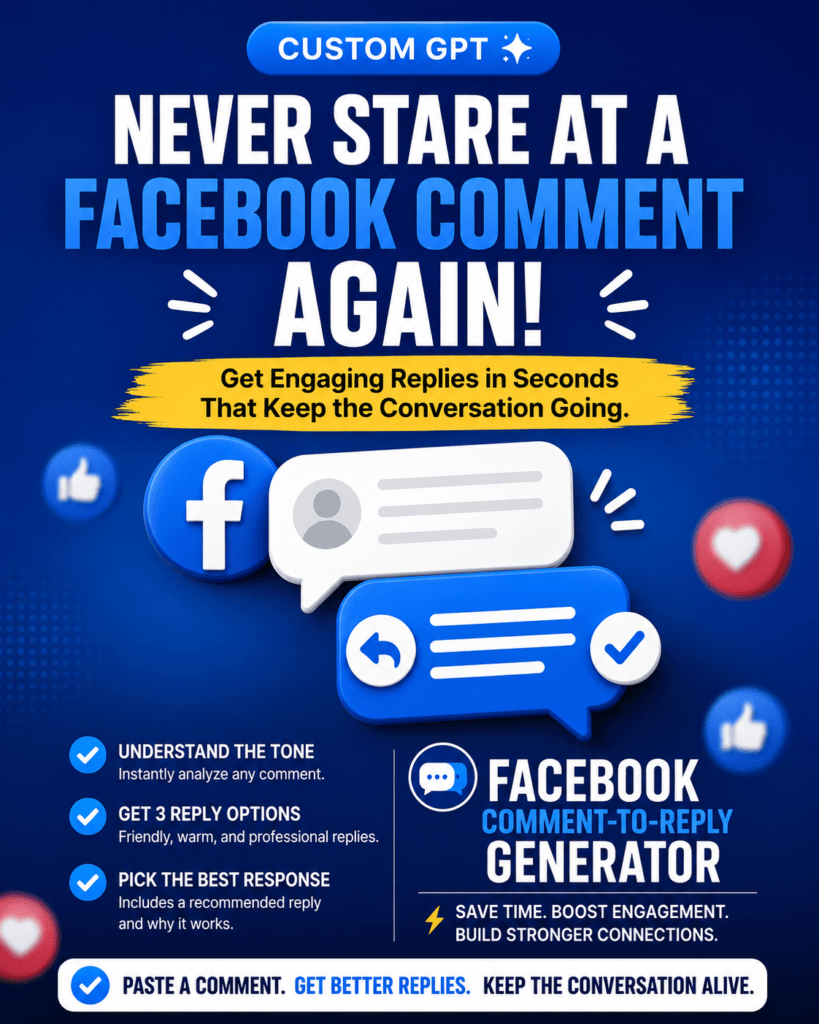
The Facebook Comment-to-Reply Generator is designed for one specific job:
Turn one pasted Facebook comment into natural, engaging reply options.
Instead of acting like a general-purpose writing assistant, it focuses entirely on helping you respond to Facebook comments.
Its workflow is intentionally simple.
You paste one Facebook comment.
That’s it.
There are no forms to complete, no extra settings to configure, and no lengthy prompts to write.
How It Works
After you paste a comment, the GPT:
- Identifies the tone of the comment.
- Determines the likely intent.
- Generates three different reply options.
- Recommends the strongest reply.
- Explains why that reply fits the conversation.
This keeps the experience fast while still giving you options.
Rather than producing dozens of variations, it focuses on delivering a small number of useful responses you can immediately copy or adapt.
Practical Use Cases
Responding to Questions
When someone asks about your content, the GPT creates replies that answer the question clearly while maintaining a friendly tone.
Instead of starting from a blank page, you immediately have several responses to choose from.
Thanking Supporters
Positive comments deserve more than the same repeated thank-you message.
The GPT creates replies that acknowledge the compliment while encouraging continued interaction.
Handling Negative Comments
Responding professionally can be difficult when emotions are involved.
The GPT produces respectful responses that stay focused on the comment rather than escalating the conversation.
Managing Busy Facebook Pages
If your page receives frequent comments, replying manually to every one can become repetitive.
The GPT helps reduce the time spent writing responses while keeping each reply relevant to the conversation.
What Makes This Different from a General AI Assistant?
General AI tools can certainly generate replies.
However, they often require several instructions before producing useful results.
You might need to explain:
- what platform you’re using,
- the tone you want,
- your goal,
- the audience,
- and the type of reply you’re looking for.
The Facebook Comment-to-Reply Generator removes that extra work.
Its entire design revolves around a single task.
Paste one Facebook comment.
Receive ready-to-use replies.
Because the workflow is so focused, it’s faster and easier to use repeatedly.
Keeping Replies Natural
One concern people have with AI is that responses can feel robotic.
This GPT avoids that by grounding every reply in the actual comment you provide.
Instead of inventing background information or making unsupported assumptions, it works with what’s already there.
If the comment provides very little context, the GPT stays neutral rather than filling in missing details.
This helps create replies that feel appropriate without adding information that wasn’t part of the conversation.
Saving Time Without Losing Quality
The goal isn’t to automate every conversation.
It’s to reduce the amount of time spent deciding what to write.
Instead of staring at the screen wondering how to respond, you receive several thoughtful options almost immediately.
You remain in control of the final message while avoiding the frustration of starting from scratch every time.
Who Will Benefit Most?
This Custom GPT is especially useful for:
- Small business owners.
- Content creators.
- Social media managers.
- Community managers.
- Personal brands.
- Anyone who regularly replies to Facebook comments.
Whether you’re handling a handful of comments each week or many each day, a consistent workflow makes responding easier.
Final Thoughts
Writing thoughtful Facebook replies doesn’t have to be difficult.
By focusing on the tone and intent of each comment, you can create responses that feel genuine while encouraging better conversations.
The Facebook Comment-to-Reply Generator simplifies this process into one easy step. Paste a single Facebook comment, review three reply options, choose the one you like best, and post with confidence.
Try My FREE Facebook Comment-to-Reply Generator
If you want to spend less time thinking about replies and more time engaging with your audience, the Facebook Comment-to-Reply Generator offers a simple, focused solution.
Paste one Facebook comment, receive ready-to-use reply options, and keep your conversations moving naturally.